Real estate marketing doesn’t fail because the project is bad. It fails because buyers don’t understand the value fast enough.
In a crowded market, buyers scroll quickly. Investors compare options in minutes. Leasing teams need visuals that make a commercial space feel “move-in ready.” And developers need marketing materials that can launch before construction is complete. That is exactly why 3D rendering real estate marketing has become a core part of modern property marketing and estate marketing workflows.
But “we need some renders” is not a strategy.
The difference between a campaign that converts and one that feels generic usually comes down to workflow: what you produce, when you produce it, and how you align with the rest of the marketing timeline. In this guide, we’ll break down a practical 3D rendering workflow for real estate marketing campaigns, including assets, timelines, deliverables, and how to brief rendering services so your marketing stays on schedule.
Why 3D rendering sits at the center of real estate marketing
Real estate and property marketing are visual-first. Buyers want to picture themselves living there. Tenants want to understand layout, fit-out potential, and brand presence. Investors want clarity and confidence.
3D rendering supports that because it can deliver:
Rendered images of the project long before it exists
Visual consistency across brochures, websites, signage, and ads
A controlled environment where the building always looks its best
A library of marketing materials that can be scaled and reused
When a campaign has strong 3D assets, marketing teams can launch earlier, sell faster, and reduce the friction of buyer uncertainty.
The core asset types used in property marketing campaigns
Before planning timelines, you need to know what assets you’re actually producing. Most real estate marketing campaigns use a combination of these deliverables:
Exterior hero images (architectural rendering)
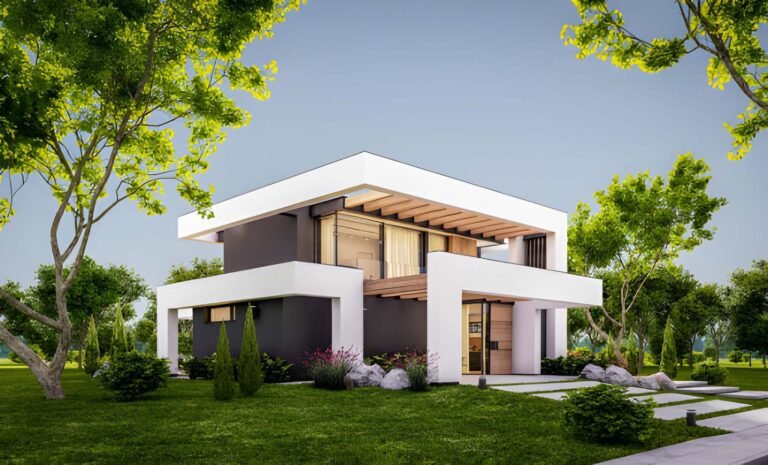
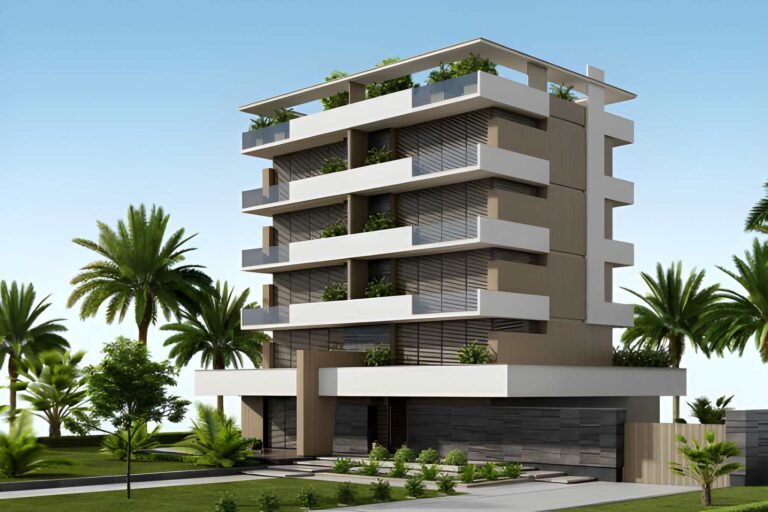
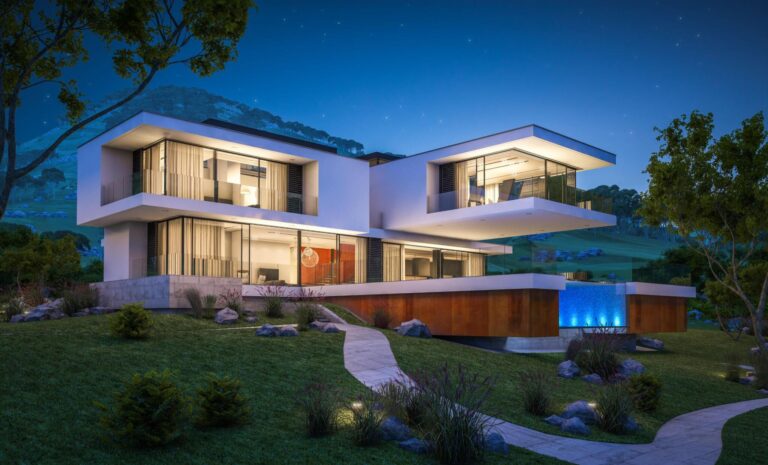
These are the “headline” visuals used on websites, hoardings, and brochure covers. They establish first impression, brand tone, and perceived quality. A strong architectural rendering focuses on design intent, context, and lifestyle cues.
Interior images (interior rendering)
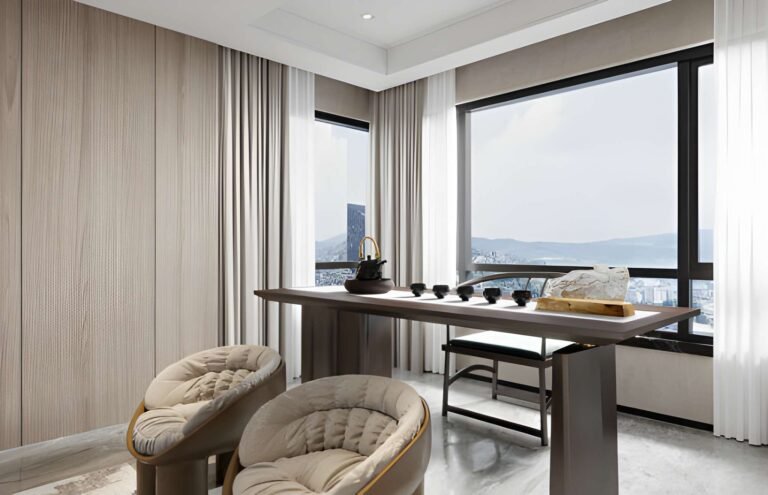
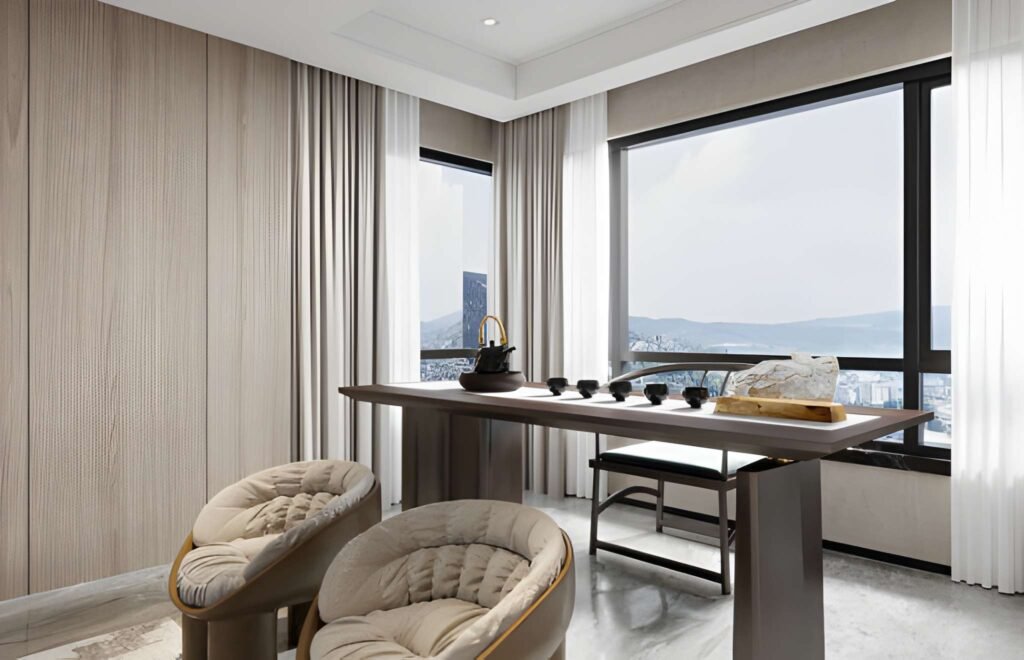
Interior renderings sell the lived experience: the kitchen, living room, bedroom, lobby, amenities, or office fit-out mood. Interior rendering is critical for residential and commercial campaigns because it shows what buyers actually get.
Amenities and lifestyle scenes
Pools, gyms, rooftop lounges, kids’ zones, co-working spaces—amenities sell premium positioning. These images are often what drive higher conversion in estate marketing campaigns because they differentiate the property.
3D floor plan visuals
A simple floor plan graphic helps buyers understand flow and layout in seconds. For many campaigns, adding one clear floor plan makes the difference between “I like it” and “I understand it.”
Walk-through animations and video
Walk-through animations are used for launch events, digital ads, and premium listings. They’re also helpful for commercial projects where decision-makers want to understand circulation and spatial hierarchy. A short video can carry a campaign across multiple platforms.
Virtual tours and virtual staging
Virtual tours (360 views or interactive walkthroughs) help remote buyers and overseas investors.
Virtual staging helps sellers and agents show how a space could look with furniture and styling without a physical photoshoot.
Not every campaign needs all of these. The best workflow chooses the right mix for the target buyer and launch timeline.
A simple way to plan: campaign stages and what to deliver at each stage
Real estate marketing usually moves through stages. If you match 3D deliverables to those stages, your workflow becomes predictable.
Stage 1: Pre-launch (early awareness)
Goal: build anticipation, capture leads, and establish positioning.
Recommended deliverables:
1–2 exterior hero rendered images
1 lifestyle interior image (living / kitchen)
1 key amenity scene if it’s a premium project
Brand-aligned mood visuals for social marketing
This stage requires speed. You don’t need 25 images yet. You need the handful of visuals that make buyers stop scrolling.
Stage 2: Launch (sales activation)
Goal: enable sales teams, brokers, and portals with a complete marketing set.
Recommended deliverables:
4–8 exterior images (street, courtyard, aerial, evening)
6–12 interior images (unit types + amenities)
2–4 floor plan graphics
A short video walkthrough or teaser animation
This is where most property marketing campaigns succeed or struggle. If your rendering workflow isn’t aligned with launch dates, the whole campaign becomes reactive.
Stage 3: Post-launch (conversion and sustain)
Goal: keep lead flow strong and support conversions over months.
Recommended deliverables:
Additional unit variations (different furniture styles, finishes)
Seasonal updates (day and night mood updates)
New amenity angles as marketing themes rotate
Optional virtual tours for high-intent leads
This stage is where a good 3D library pays off. You can keep marketing fresh without starting from zero every time.
Timeline planning: what a real 3D rendering workflow looks like
Here’s a practical timeline framework you can adapt. Timelines vary by complexity, but the workflow is consistent.
Week 0: Briefing and asset planning
This is the most important stage. If you skip it, you pay later.
A strong brief includes:
Project drawings and key dimensions
Target buyer personas and positioning (premium, mid-market, investor-led)
Reference images and brand mood
Required deliverables list and platform formats
Launch milestones and deadlines
This is also where you decide which visuals are “must-have” versus “nice-to-have.”
Week 1: Base 3D model + camera planning
The rendering team builds or cleans the base 3D model and proposes camera angles.
Deliverables:
Grey model previews
Camera thumbnails
Initial framing suggestions for marketing story
This stage protects you from expensive rework later. Approve the camera plan before you push for photorealistic rendering.
Week 2: Draft lighting and materials + first review
The team starts developing realistic lighting, materials, and styling.
Deliverables:
First draft renderings (lower resolution)
Material palette confirmation
Early feedback round
At this point, marketing teams can already start designing layouts around draft images, which helps speed up the campaign.
Week 3: Refinement + final rendered images
The team produces final rendered images for your approved angles.
Deliverables:
High-resolution exterior and interior images
Marketing-ready file formats
Minor post-production polishing
Week 4: Optional video, virtual, and add-ons
If your campaign includes video or interactive experiences, plan them after the hero images are locked.
Deliverables:
Walk-through animations
Virtual tours or 360 scenes
Alternative interior styles or unit variations
Floor plan graphics aligned to the final visuals
This structure is predictable, and predictable workflows are what keep marketing on schedule.
Deliverables checklist: what marketing teams should request
To avoid confusion and rework, specify deliverables clearly.
A good checklist includes:
Number of images (exterior, interior, amenities)
Required aspect ratios (website, portal, brochure, social)
Resolution requirements (print vs digital)
Whether to include people, cars, landscaping, and signage
Whether the project is residential, commercial, or mixed-use
Floor plan graphics (if needed) and which unit types
Video length and format (if producing animations)
Virtual staging requirements (style, furniture level, target buyer)
This helps rendering services deliver assets that plug directly into your marketing materials.
Choosing angles that sell: how to think like a buyer
One of the biggest mistakes in real estate marketing is choosing angles that designers love but buyers don’t understand.
Buyers respond to:
Clear entry and arrival views
Street presence and neighbourhood feel
Living spaces with natural light and openness
Kitchens because they signal quality
Master bedrooms because they signal comfort
Amenities because they signal lifestyle and value
So your rendering workflow should prioritise:
Exterior views that show approach and context
Interior views that show space and flow
Lifestyle scenes that match buyer aspirations
This approach works whether you’re selling a home, a luxury estate, or a commercial leasing opportunity.
Photorealistic rendering vs speed: how to balance quality with deadlines
Marketing teams often face a trade-off: deliver quickly or deliver premium.
The smartest approach is staged quality:
Early draft visuals for internal use and layout planning
A few photorealistic rendering hero images for early teasers
Full photoreal image set aligned with launch
Optional premium upgrades (video, virtual) after launch assets are done
This avoids the common disaster where teams chase perfection too early and miss campaign deadlines.
How 3D assets integrate with estate marketing channels
A key advantage of 3D is adaptability.
A single image can be used across:
Landing pages and listing portals
Social media ads and organic posts
Email campaigns and brochures
Hoardings, banners, and sales suite displays
Investor decks and broker kits
To make this work, your 3D rendering workflow should consider channel requirements upfront. It is far cheaper to plan aspect ratios and layouts early than to rebuild composition later.
Residential vs commercial workflows: small differences that matter
Residential campaigns
Focus on emotion and lifestyle:
Interiors are critical
Furniture, decor, and mood matter
Amenities and community scenes drive premium perception
Buyers need to picture “home”
Commercial campaigns
Focus on clarity and potential:
Fit-out flexibility matters
Circulation and branding opportunities matter
Exterior presence is important for tenants
Images should signal credibility and professionalism
Both use architectural visualizations, but the story is different. Your deliverables should match the buyer psychology.
Common workflow problems and how to avoid them
Problem 1: Late changes to drawings
Solution: lock a “marketing model freeze” date. If the design changes, treat revisions as a planned phase, not an emergency.
Problem 2: Too many stakeholders giving feedback
Solution: nominate one approval lead. Centralise comments so the rendering team isn’t receiving conflicting instructions.
Problem 3: No clear definition of “photorealistic”
Solution: share reference images and set style expectations early. Photorealistic rendering has many “looks,” so you must define yours.
Problem 4: Assets arrive in the wrong formats
Solution: specify resolution, aspect ratio, and file delivery formats at the start.
A simple template: a complete 3D real estate marketing asset pack
If you want a practical starter pack, here is a balanced deliverable list for a typical residential project:
4 exterior images (day hero, street approach, courtyard, evening)
8 interior images (living, kitchen, bedroom, bathroom, lobby, amenities)
2 floor plan graphics (key unit types)
1 walk-through animation teaser (30–60 seconds)
Optional: one virtual tour for the main unit type
This gives your marketing team enough depth to launch and enough flexibility to sustain promotions.
Final thoughts: workflow beats “more images”
Real estate marketing is a timeline game. If your assets arrive late, even the best visuals can’t rescue a campaign. The winning formula is a structured workflow: plan the right deliverables, lock cameras early, review draft renderings fast, and build a reusable asset library.
A strong 3D rendering real estate marketing workflow does three things:
It helps buyers understand the property quickly
It supports estate marketing across channels without rework
It keeps launch timelines predictable for sales, brokers, and marketing teams
If you treat 3D as a core marketing system—not a last-minute add-on—you will build campaigns that launch earlier, look more premium, and convert faster.
Two More Ways 3D Supports a Property Campaign
Promote Properties Uniquely with 3D Renders
3D rendered content allows you to showcase listings in a distinctive way. For example, we can create 360 VR house tours that clients can virtually walkthrough. These personalized visual experiences are more memorable than viewing 2D images.
Our 3D artists can also produce rendered 3D floor plans, minified dollhouse renders and aerial exterior shots. This variety of visual content helps showcase different facets of the property uniquely. You can use it across listing sites, emails, social media and other marketing channels to stand out.
Proves to be a Cost-Effective Solution
Recent advances in 3D visualization technology have made high-quality professional architectural rendering services extremely cost-effective compared to just a few years ago. There are options to suit varying budgets and project scopes. The cost can be justified manifold considering the value 3D renders bring in accelerating buyers’ decision making process.